 Version
1.0.1
Version
1.0.1
 Package Name
com.gtp.nextlauncher.theme.biogreen
Package Name
com.gtp.nextlauncher.theme.biogreen
 Category
Utility Tools
Category
Utility Tools
 Size
5.11MB
Size
5.11MB
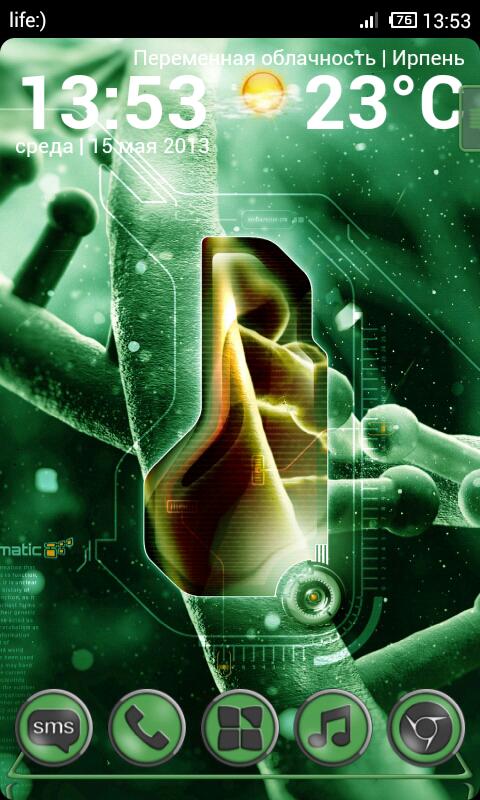
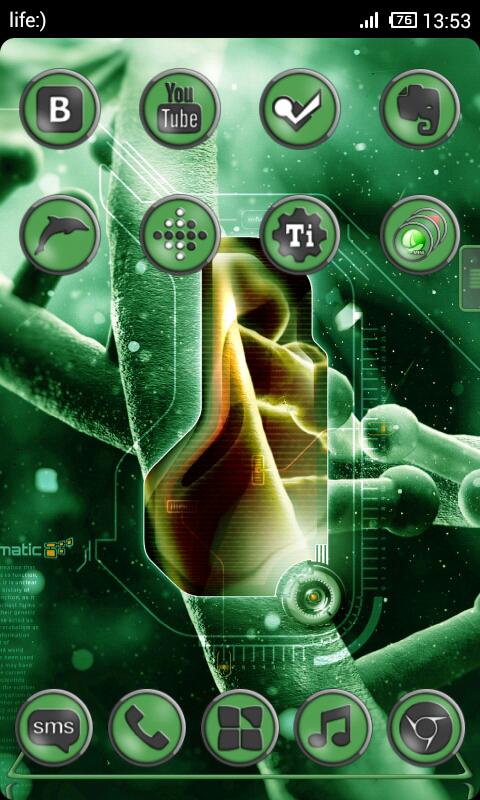
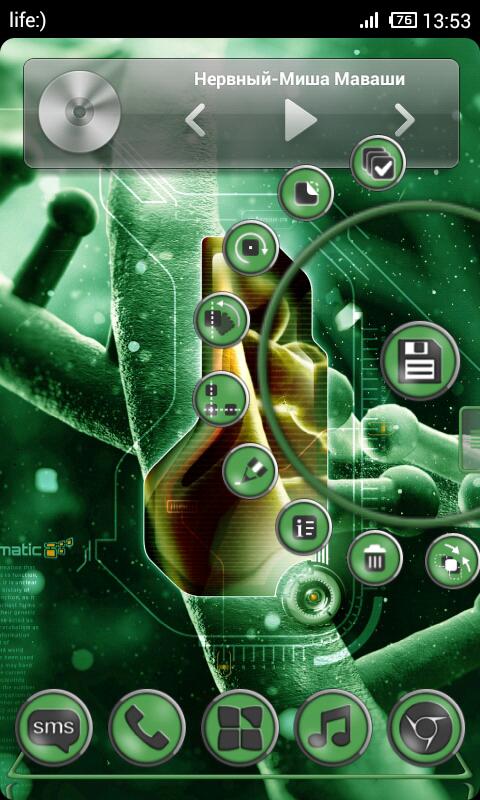
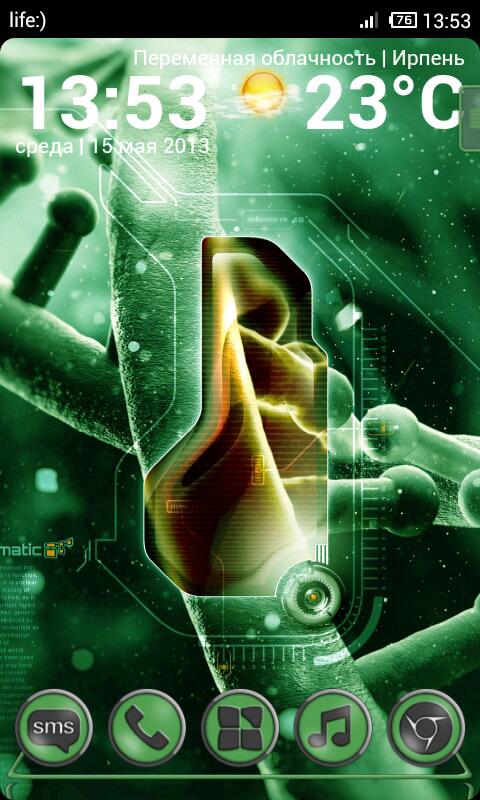
Theme for Next Launcher (2D mode)
HD theme for NEXT LAUNCHER 3D! Without it, the theme will not work!
Features:
• support for 4.1 + (require Next Launcher 1.25 +)
• beautiful detailed icons for every taste
• replace everything application undericons
• 140 HD icons to replace the manually on your desktop
• original wallpaper (1920x1920 px.)
• unique menu button
• transparent dock bar - left only a border
• and other features :)
••• If you have any problems with the theme, please email me! •••
• How to apply the theme:
1. Make sure the LAST (1.25 or above) Next Launcher 3D has been installed! (Search “Next Launcher 3D” to download)
2. Apply the Theme: MENU•Personality•Themes•Installed -- Choose "Bio Green" and Apply it.
• Developers of launcher does not add the normal menu replacement of third-party icons. But on the desktop, you can replace them manually: long press on the icon - will fall more small icons and select the second (like a square) then be able to see a list of icons.
Please rate the theme - if you like what you see.
You can write their wishes on email or
Facebook: https://www.facebook.com/dmk.design
Google+: https://plus.google.com/u/0/114355574449421909452/posts









 Download APK(5.11MB)